As someone who spends his workdays helping people stay productive, spends his evenings helping his family get things done, and then personally tries to keep himself productive… I’ll admit I suffer from burnout. And when that happens, I tend to waste a lot of time trying to figure out how to be more productive while also not being burned out.
If this wasn’t the hundredth time going through this cycle I’d probably say “send help.”
But since it is the hundredth time, I’ll instead say:
Send tacos and a voice of reason that can help me find an off-ramp from the productivity loops I’m having with myself… and my new AI friends.
That said, I did discover a few new things this weekend and made some progress that—with a little tweaking—might actually be promising.
I stumbled into something called PKM — Personal Knowledge Management. While I’m not quite ready to give $29.95 to the YouTube infomercial I watched about it, I do think the idea has some merit.
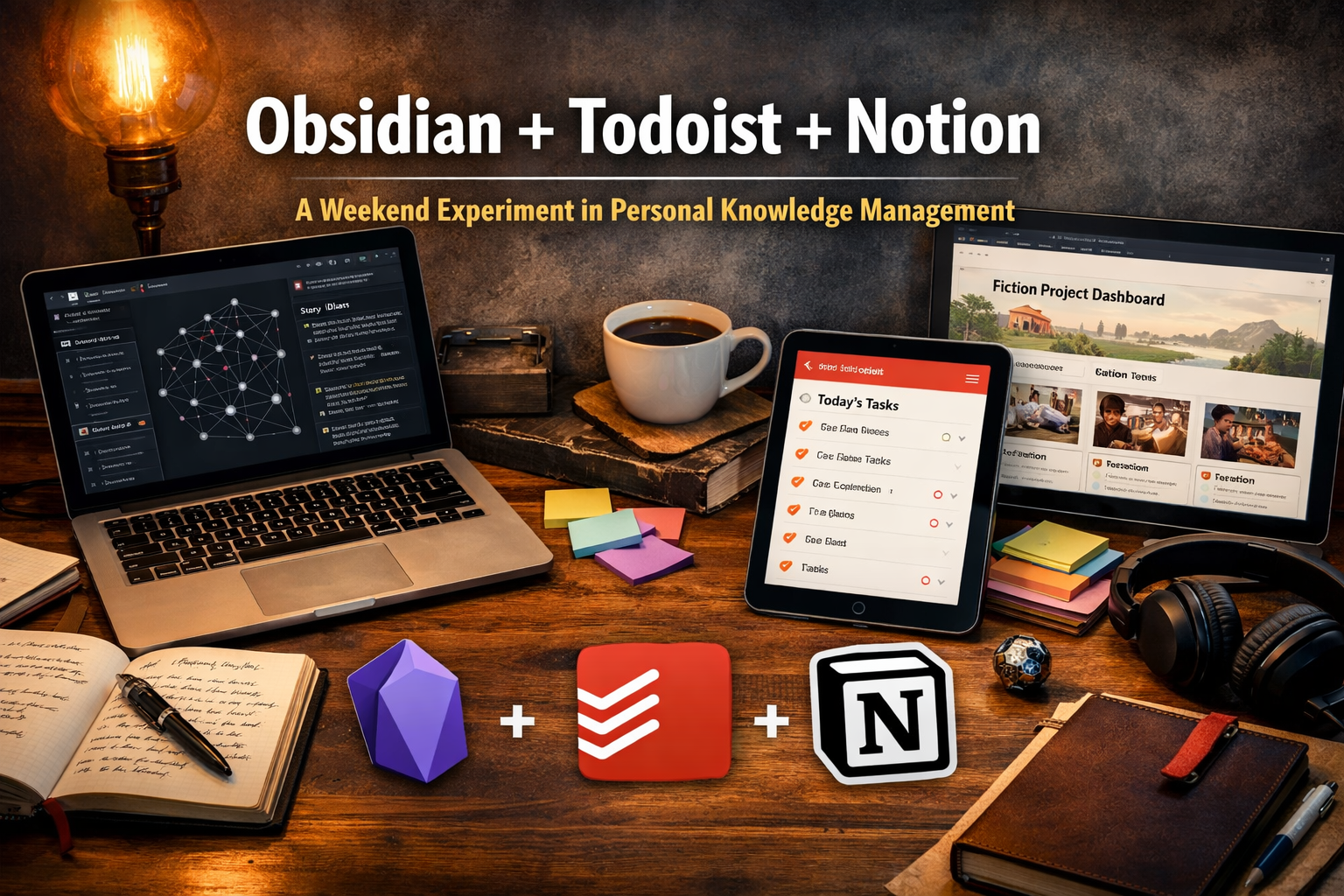
Which led me down a rabbit hole of three tools:
- Obsidian
- Todoist
- Notion
Obsidian
Obsidian is a personal knowledge management app that lets you store and organize notes as simple text files (Markdown) on your own computer instead of in the cloud.
Think of it as a private wiki for your life and projects.
Every note can link to other notes, creating a network of ideas rather than isolated documents. That makes it especially useful for writing, research, and complex thinking because you can connect characters, scenes, concepts, or references and visually see how they relate through a graph view.
It’s highly customizable with plugins, works offline, and keeps you in control of your files. That’s why a lot of writers, researchers, and technical professionals use it as a kind of “second brain.”
Practically speaking, if you need a place to brainstorm projects, hobbies, work ideas, business ideas, or interests, this is a fantastic free tool to do it in.
And once you put enough into it, you start to see patterns in your interests.
If someone asks you:
“What do you want to do with your life?”
“What are you passionate about?”
Spend a month collecting thoughts in Obsidian and you’ll probably know.
You might not like the answer you find… but you’ll know.
In my case I’m using it for a few things.
- I’ve always wanted to write a book.
- Actually, a few different books:
- A piece of fiction — something like a Choose Your Own Adventure style story.
- A technical book around project management or IAM.
- A real-world guide for men, because frankly even in my “privileged” male life… we still need guidance. Especially if you grew up putting in the work without a lot of everyday role models.
Obsidian gives you a place to write segments and sections, then piece them together later.
You can organize ideas on a Kanban board, use canvases that feel like old-school cork boards with push pins, and draw connections between ideas like yarn on a detective wall.
You can link pages, connect thoughts, and then actually sit down and write the chapters. When you’re ready, AI tools can even help edit and refine the writing.
At the end of the day, Obsidian is simply a digital home for creative thinking.
Todoist
Todoist is a task management app designed to capture, organize, and track the things you need to do.
At its core it’s a structured to-do list where tasks can be:
- Organized into projects
- Given due dates
- Tagged with labels
- Prioritized
- Filtered so you can focus on what matters today
It works across devices and integrates with calendars, making it useful for both small daily tasks and larger projects.
The goal is simple:
Capture tasks quickly, organize them well, and surface the right work at the right time so nothing slips through the cracks.
Most of us have tried some version of task tracking.
You’ve written lists.
You’ve used Apple Reminders.
You’ve tried digital task apps.
Some are great. Some… less so.
I’m about a week into using Todoist and I can confidently say:
This is better.
It’s simple enough to stay out of your way, motivational enough with small gamification elements like badges, and smart enough that you can literally talk to it on your phone and have it create tasks based on the conversation.
Some tasks repeat.
Some don’t.
It handles both without becoming overly complicated.
It hits the right balance between capability and usability.
For me, Todoist is now the place where I can see my family calendar and personal tasks together and make sure everything actually gets the time it needs to happen.
Notion
Notion is an all-in-one workspace that combines notes, documents, databases, and project management into a single customizable system.
Instead of separate apps for:
- notes
- spreadsheets
- task boards
- wikis
Notion lets you build pages that contain structured information like:
- tables
- kanban boards
- calendars
- documents
And all of it can be linked together.
It’s flexible enough to create anything from a simple note page to a full life management system, which is why a lot of people use it as a central hub for planning projects and organizing information.
This is where the LifeOS or the “facts layer” of a PKM system really comes to life.
It’s where personal projects get broken down into their parts.
You can absolutely lose yourself in the customization and depth available here. But what surprised me most was how easy it actually is to start building structured systems.
Even simple things like pantry or grocery inventories can become useful databases in minutes.
And if you turn on Notion AI, the speed multiplies.
In one weekend I had Notion create a full dashboard and database structure for my fiction project.
It included tables for:
- Characters
- Creatures
- Locations
- World-building attributes
- Storyline ideas
Each table had fields and relationships mapped between them.
Then I gave the AI a few TV shows and asked it to populate the database with sample data — characters, locations, and creatures placed into the correct fields.
To my surprise, it worked.
Something that would normally take days took a few hours.
Here’s a more practical example.
Imagine taking all your recipes and putting them into a database broken down by:
- Ingredients
- Instructions
- Tools needed
Now imagine using that to build a list of every ingredient required for all the dishes you cook.
Then turning that into a grocery list.
Then tying that to your calendar so when you decide to cook a dish, it automatically reminds you to pick up what you need.
And while doing that, it can also check what you already have in your pantry or refrigerator.
Finally, once you tell Notion you cooked the meal, it updates your inventory so you know what needs to be purchased again next time.
You would think something like that would take days to build.
It doesn’t.
Maybe an hour or two to get the basics working.
And honestly, that’s just the beginning.



Leave a Reply